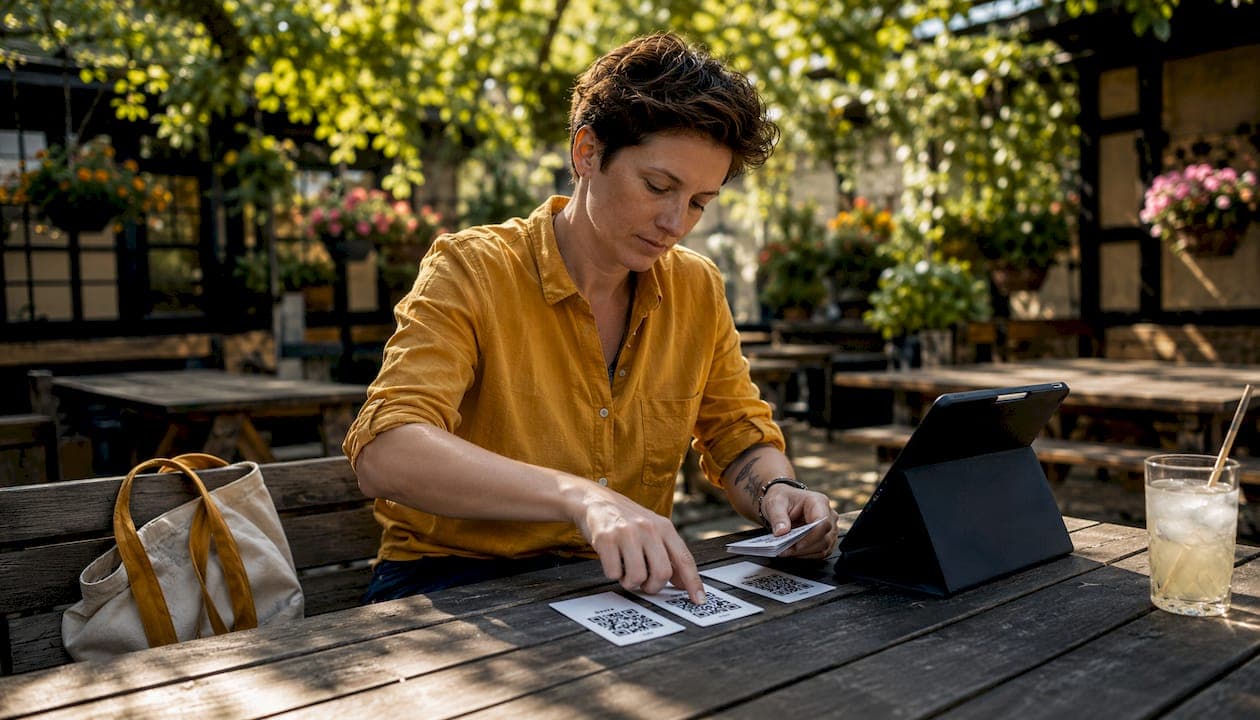
QR code ordering lets your guests scan a code at the table, browse your menu on their phone, place an order and pay, all without flagging down a member of staff. For a busy UK pub, that means faster table turns, fewer order errors and servers freed up to do the work that actually needs a human. Pubkit is built specifically for bars and pubs in the UK: no hardware required, no lengthy contracts, and you can be taking live orders within a day or two of signing up. It handles QR table ordering, a full cloud POS, stock management, staff scheduling and payments in one place, covering your GDPR and PCI DSS obligations through its integrated payment processing.
- Guests scan a printed QR code at the table, view your digital menu on their own phone, order and pay without an app.
- Orders route directly to your POS and kitchen printer or display.
- Pubkit is the recommended UK-ready option: cloud-based, no hardware costs, and live in minutes.
- Start a free trial at pubkit.co.uk or book a demo to see the full setup.
Table of Contents
- How does QR code ordering actually work, end to end?
- Step-by-step setup: from menu build to first live order
- Which systems do you need to integrate, and how do payments work?
- What hardware and connectivity do you actually need?
- What are the real operational and revenue benefits?
- What does QR ordering cost, and how is it priced?
- How long does it take to go live?
- Common pitfalls and how to avoid them
- Why Pubkit is the recommended option for UK pubs
- Key takeaways
- The part nobody tells you before the first night
- Get started with Pubkit
- Useful sources
How does QR code ordering actually work, end to end?
Contactless dining covers the full dine-in experience where guests view the menu, order and pay without close interaction with a server. QR code ordering is the most common delivery method: a printed code on the table links to a mobile-optimised ordering page, no app download needed.
The guest journey looks like this:
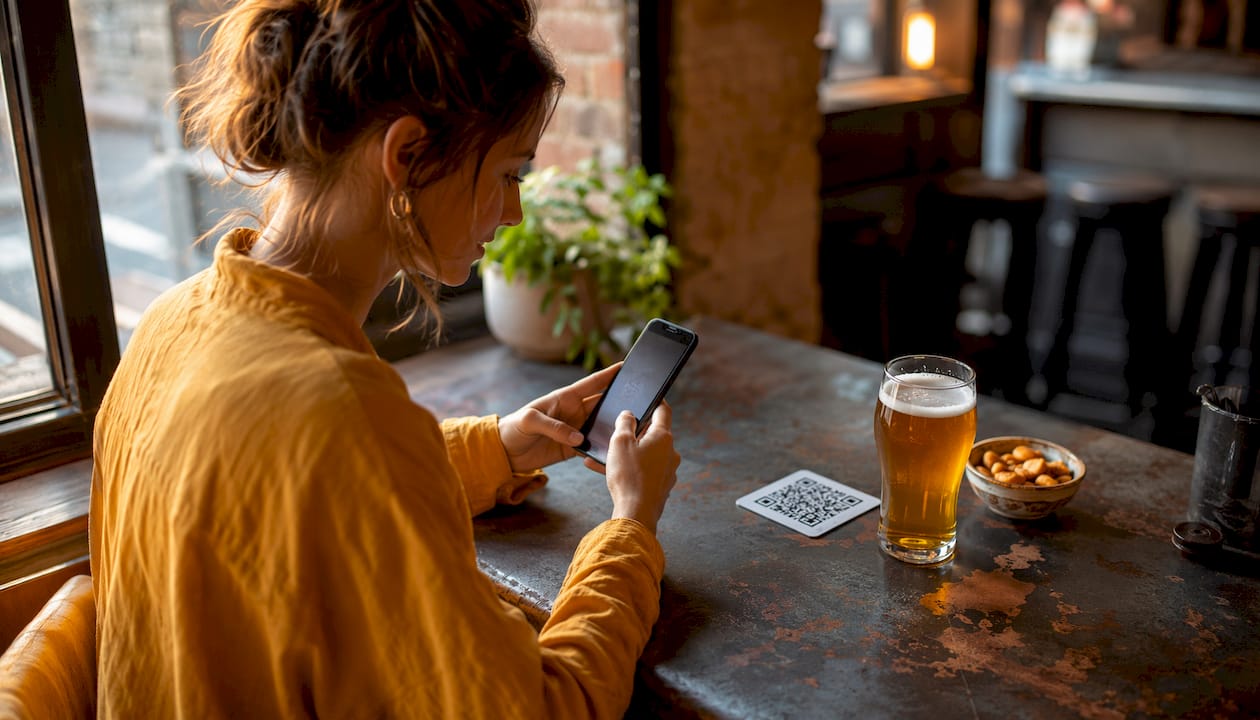
- Guest scans the QR code with their phone camera.
- A mobile menu loads instantly in the browser, organised by category.
- Guest selects items, adds notes (e.g. "no ice"), and proceeds to checkout.
- Payment is taken by card, Apple Pay or Google Pay.
- An order confirmation appears on screen and, optionally, by text.
Back of house, the flow is:
- Each QR code carries an embedded table ID, so every order arrives tagged with the correct table number.
- The order hits your POS in real time and simultaneously fires to the kitchen printer or kitchen display system (KDS).
- Order consolidation rules decide whether a second order from the same table opens a new ticket or appends to an existing one, which matters when a group orders in rounds.
- Staff can see all open table orders from a single dashboard view, making end-of-service reconciliation straightforward.
QR payments at scale are not a new idea. Alipay and WeChat built massive QR payment adoption across China well before the technology became standard in UK hospitality. The reliability is proven; the question for UK operators is purely one of setup and integration.
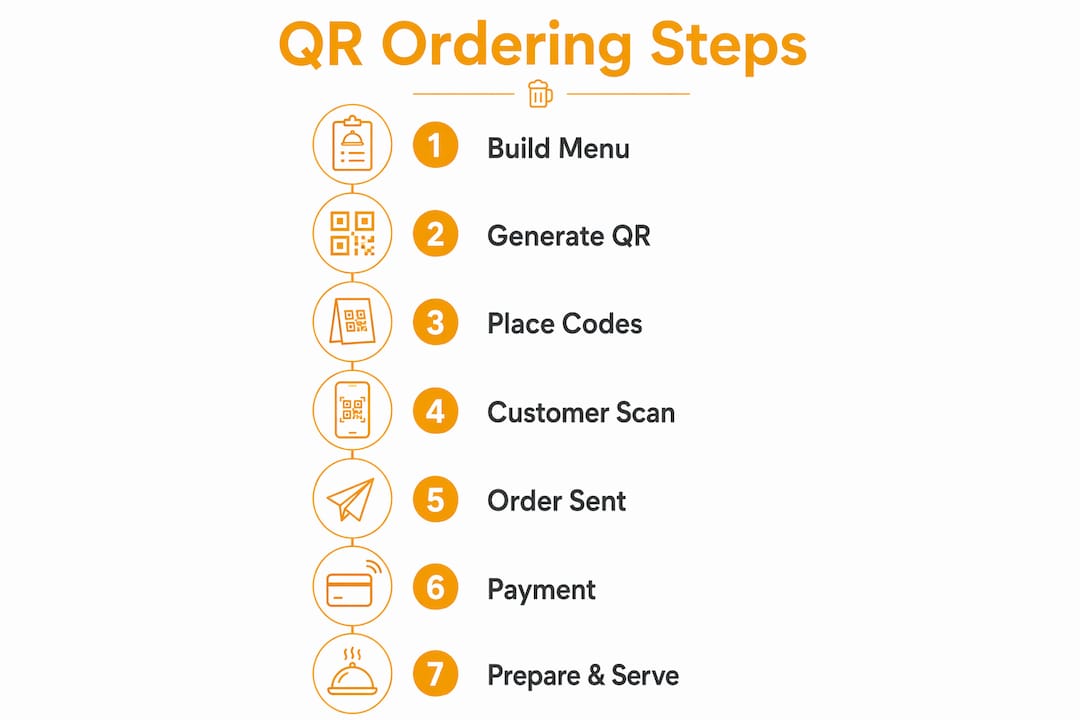
Step-by-step setup: from menu build to first live order
Getting a QR ordering system live is a one-to-three-day job for most pubs, assuming your menu is already documented somewhere. Here is the exact sequence.
- Audit your menu. Confirm pricing, allergen information (required under UK law), and category structure. Flag any items that need age verification (alcohol, for example). Decide whether you want a multilingual version from day one.
- Build your ordering page. Upload menu items to your platform, assign categories, add photos where you have them, and set VAT rules. Map each item to its POS SKU so orders reconcile automatically.
- Enable payments. Connect your payment gateway (Mollie, Adyen or Stripe are common UK choices). Enable Apple Pay and Google Pay at the same time; they account for a significant share of mobile payments in the UK.
- Generate mapped QR codes. Each code must embed the table ID in the URL (e.g.
yourvenue.com/order?table=7). Most platforms generate these in bulk. Print them on durable stickers or tent cards. - Check your kitchen routing. Send a test order and confirm it appears on the correct printer or KDS. Test the consolidation rule: does a second order from Table 7 append or create a new ticket?
- Train staff. Walk every server through the guest journey on their own phone. Practise the refund flow. Agree on how staff will assist guests who struggle with the process.
- Pilot on a quiet shift. Run the system on a Tuesday or Wednesday evening before a busy weekend. Collect server feedback in writing.
Pro Tip: Place a short instruction card on each table alongside the QR code during the first two weeks. Something like "Scan to order — no app needed" removes the single biggest guest hesitation.
Hiding your primary ordering actions behind a hamburger menu is one of the most common UX mistakes in mobile ordering. Research from Nielsen Norman Group confirms that burying key actions in a collapsed menu reduces discoverability significantly. Your ordering page should surface "View Menu", "Order" and "Pay" without any extra taps.
Which systems do you need to integrate, and how do payments work?
A QR ordering system sits in the middle of several existing tools. Getting the integrations right before launch saves a lot of pain later.
Core integration points:
- Cloud POS: orders must post to your POS in real time so staff can see table status and the till stays accurate. Pubkit includes its own cloud POS, removing the need for a separate integration.
- Kitchen printers or KDS: the system needs to know which items go to the bar and which go to the kitchen. Set up routing rules by category.
- Accounting: connecting to Xero means your daily sales reconcile automatically without manual exports.
- Loyalty or CRM: optional, but useful if you run a regulars programme.
Payment options for UK pubs:
| Method | Notes |
|---|---|
| Card (Visa/Mastercard) | Standard; processed via gateway |
| Apple Pay | High adoption on iOS in the UK |
| Google Pay | Covers Android users |
| Card-on-file / tab | Guest saves card, pays at end of session |
Contactless ordering systems typically route payment through existing card gateways, so you are not replacing your merchant relationship, just adding a digital front end.
PCI DSS basics: you do not store raw card data yourself. Your payment gateway (Mollie, Adyen or Stripe) handles tokenisation and holds the PCI DSS certification. Your obligation is to use a compliant provider and not log card numbers anywhere in your own system.
GDPR: when guests enter an email or phone number for a receipt, that data must be collected with a clear purpose, stored securely, and not retained longer than necessary. Your platform's privacy policy should cover this, but confirm it does before launch. For specific legal questions, consult a qualified data protection adviser.
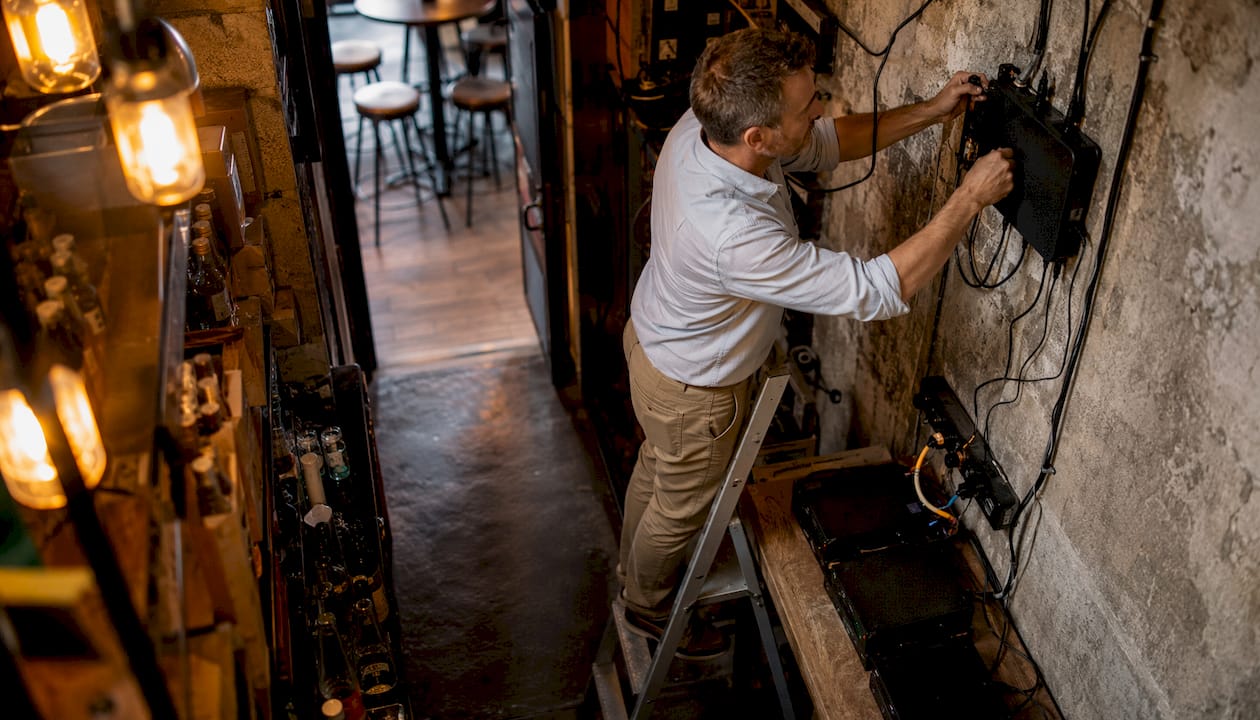
What hardware and connectivity do you actually need?
The short answer for most pubs: less than you think.
Minimum requirements:
- Stable guest Wi-Fi or reliable mobile coverage in the venue (guests use their own phones).
- One staff device (tablet or phone) or an existing POS terminal with cloud access.
- A printer capable of producing QR sticker sheets, or a print-on-demand service.
Optional but useful:
- A dedicated kitchen printer or KDS for order routing.
- A receipt printer for cashout summaries.
- Staff tablets for floor management and order oversight.
Pro Tip: If your venue has patchy Wi-Fi, test whether guests can load the ordering page on 4G before assuming Wi-Fi is required. Most modern QR ordering platforms are lightweight enough to work on a standard mobile connection. A segmented guest network is better practice, but it is not a blocker on day one.
For resilience, keep your operations network separate from the guest Wi-Fi. If the guest network drops, orders already placed should queue locally and sync when connectivity returns. Check that your chosen platform supports offline order queueing before committing.
What are the real operational and revenue benefits?
Vendors claim faster table turns and higher average order values (AOV). Those claims are worth taking seriously, but track your own numbers rather than accepting them at face value.
What operators typically report (vendor claims):
- Reduced table turn time, with some vendors citing faster service per table.
- Higher average order value (AOV) through upsell prompts and visible add-ons (e.g. "Add a side for £2.50").
- Fewer order errors because guests enter their own choices.
- Faster bill settlement: guests pay when they are ready, not when a server is free.
Where QR ordering genuinely earns its keep:
Pubs, bars and casual dining venues with high table volumes and predictable menus see the clearest gains. A moderately sized pub doing multiple sittings on busy nights can benefit significantly from faster table turns. A fine-dining restaurant where the experience is built around server interaction is a different calculation.
Contactless ordering also reduces queuing and supports pre-ordering for busy periods, which is particularly useful for venues with a food trade around sporting events.
The operational wins that are hardest to quantify but most consistently reported: servers spend less time running between tables and the till, and end-of-night reconciliation takes minutes rather than half an hour.
What does QR ordering cost, and how is it priced?
Pricing models vary, and the total cost of ownership is not always obvious from a headline figure.
Cost buckets to budget for:
- Monthly SaaS subscription (the platform fee).
- Card processing fees (typically a percentage per transaction, set by your gateway).
- Printing and signage (stickers, tent cards, table talkers).
- Any one-off setup or integration costs.
Pricing models explained:
| Model | How it works | Best for |
|---|---|---|
| Monthly subscription | Fixed fee regardless of order volume | Pubs with consistent trade |
| Per-transaction fee | Small fee on each order processed | Lower-volume or seasonal venues |
| Hybrid | Subscription plus a lower per-transaction rate | Multi-site operators |
Indicative ranges vary widely by provider and feature set. A single-site pub should budget for a monthly subscription fee plus card processing fees. Multi-site operators often negotiate pricing based on their volume.
To estimate ROI: take your current average spend per cover, estimate a modest AOV uplift from upsell prompts, multiply by weekly covers, and compare against the monthly platform cost. Even a conservative uplift often covers the subscription within the first month.
How long does it take to go live?
Most pubs can be live within about a week. Typical stages include demo and account setup, menu build and POS mapping which varies with menu size, QR code generation and placement, piloting with staff, followed by full roll-out and optimisation over the first weeks.
Common pitfalls and how to avoid them
Most failed QR ordering launches share the same handful of mistakes.
Pitfalls to watch for:
- QR codes placed where guests cannot see them (under menus, on the back of condiment bottles).
- No instruction text on the table, leaving guests unsure what to do.
- Table IDs not mapped correctly, so orders arrive at the wrong station.
- Accessibility features missing: no screen-reader support, no font-size options, no language toggle.
- Order duplication when a group scans multiple codes and submits separate orders for the same items.
Best-practice checklist:
- Place QR codes at eye level on the table, ideally on a tent card or a dedicated holder.
- Print a short instruction line: "Scan with your phone camera. No app needed."
- Brief every staff member on the guest journey before launch, not just managers.
- Enable accessibility features including ARIA labels, clear menu structure and sufficient colour contrast. These are not optional extras; they prevent excluding customers who rely on screen readers.
- Offer a multilingual menu if your venue serves a diverse customer base.
- Set a clear refund and cancellation policy visible on the ordering page.
Pro Tip: Create a simple demo card for tables during the first fortnight: a small printed card showing three steps with phone screenshots. Guests who have never used QR ordering before will follow a visual guide far more readily than text instructions alone.
On GDPR and consumer rights: the guidance here is general information, not legal advice. Confirm your specific data handling obligations with a qualified data protection adviser before launch.
Why Pubkit is the recommended option for UK pubs
Pubkit maps directly onto the checklist above. It is a cloud-based platform built for bars and pubs, covering every integration point without requiring any new hardware.
What Pubkit delivers:
- QR table ordering with embedded table IDs and real-time POS sync.
- A full cloud POS that works on any device, no dedicated terminal needed.
- Kitchen printer and KDS routing with configurable order consolidation.
- Xero accounting integration for automatic daily reconciliation.
- Stock management, wastage logging and staff scheduling in the same platform.
- Interactive floor plans and tab handling for complex service flows.
- GPS geofence clock-in and PIN-secured staff accounts.
- Takeaway ordering alongside dine-in, from one menu management interface.
Account setup takes minutes. A typical pub can have a test order running within a few hours of signing up, and a full pilot live within a day or two. Payments run through PCI DSS-compliant processing, covering your card-data obligations from day one.
Pubkit's trial gives you access to the full feature set so you can test QR ordering, POS routing and kitchen integration before committing to a subscription.
Key takeaways
QR code ordering is the fastest route for a UK pub to cut table turn times, reduce order errors and free up server capacity, and Pubkit is the most direct path to getting it live.
| Point | Details |
|---|---|
| Setup timeline | Most pubs go from sign-up to live pilot within one to three days. |
| Integration essentials | Map table IDs correctly and connect your POS and kitchen printer before the first live shift. |
| Payment compliance | Use a PCI DSS-compliant gateway (Mollie, Adyen or Stripe); confirm GDPR data handling with a qualified adviser. |
| Revenue impact | Vendor claims include faster table turns and higher average order values (AOV); however, the actual figures will depend on your venue, so track your own KPIs from week one. |
| Recommended route | Pubkit offers a full-feature trial with no hardware required, covering QR ordering, POS, stock and staff management. |
The part nobody tells you before the first night
The technology is the easy bit. What catches operators out is the human side: the guest who holds their phone up to the QR code expecting something to happen before they have opened their camera app, or the server who quietly bypasses the system because it feels slower than shouting an order across the bar.
The venues that get the most from QR ordering treat the first two weeks as a proper pilot, not a soft launch. They station one staff member near the entrance to walk the first few tables through the process. They collect written feedback after every shift. They fix the small things fast: a category that is hard to find, a payment screen that times out too quickly, a table number that was never mapped.
The operational lesson most operators learn by night three: the system does not replace your staff, it changes what they do. Servers become hosts. They spend less time at the till and more time on the floor, which is where they actually add value. That shift in role needs to be framed positively in your briefing, or you will get quiet resistance from the team.
Get started with Pubkit
Pubkit gives UK pubs a faster, cheaper route to live QR table ordering than any traditional POS upgrade. No hardware to buy, no lengthy onboarding, and no hidden fees buried in a long contract. You get QR ordering, a full cloud POS, stock management, staff scheduling and Xero integration in one monthly subscription, with a free trial that lets you run a real test order before you spend a penny.
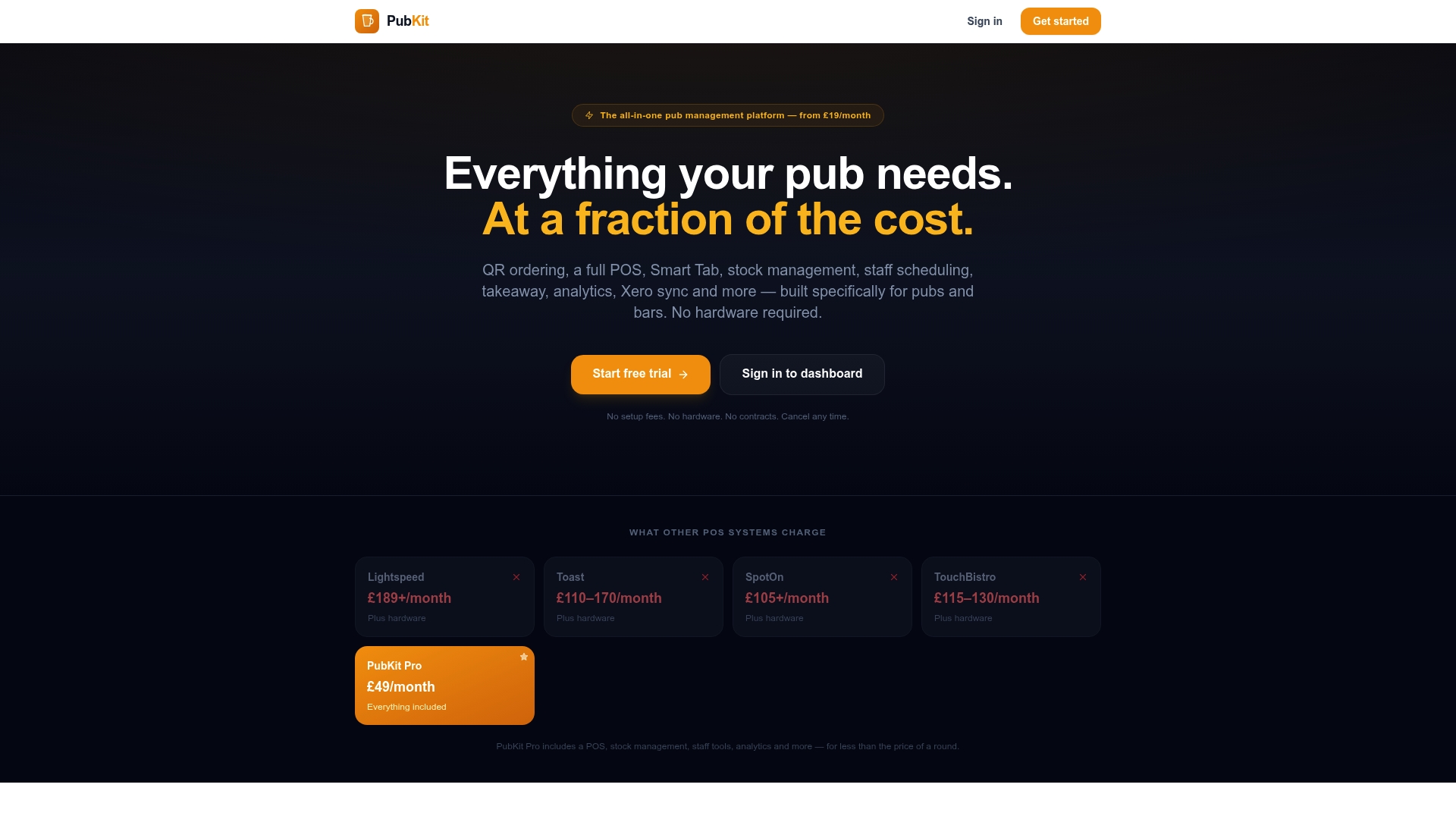
The demo covers menu upload, QR code generation, POS mapping and kitchen routing, typically in under an hour. Most pubs have a working pilot live within a day or two of the demo. Start your free trial and see how quickly your venue can be taking contactless orders at the table.
Useful sources
The claims and guidance in this article draw on the following sources. Operators who want to read the technical or UX background in full will find these useful.
- Contactless dining — Wikipedia: A solid overview of how contactless dining works, its origins during the pandemic, and the technology modes (QR codes, NFC, mobile ordering). Good starting point for operators new to the category.
- Contactless Ordering Systems: Everything You Need to Know — Truffle Systems: Covers the mechanics of contactless ordering and payment routing, including how orders connect to existing card terminals and gateways.
- Supporting mobile navigation — Nielsen Norman Group: The UX research behind why hiding primary actions in a hamburger menu reduces discoverability. Directly relevant to how you structure your ordering page.
- Hamburger Menu Accessibility — dev.to/agentkit: Practical guidance on ARIA labels, focus management and screen-reader compatibility. Use this when briefing your platform provider on accessibility requirements.
Note on vendor claims: figures such as table turn time savings and AOV uplifts are sourced from vendor marketing materials. Treat them as directional benchmarks and measure your own venue's performance from the first week of operation.